Inputting User-Entered Dimensions
User-entered dimensions enable users to create and use
dimensions in PMF before loadable dimension data is available. Similar
to user-entered measures, once a user-entered dimension is defined
values can be immediately typed directly into PMF for your dimensions.
User-entered dimensions are useful when you need to rapidly prototype
new engagements with PMF. Since these values are linked to measures
through internal keys, they are not suitable for production environments.
Limitations of User-Entered Dimensions
x
Procedure: How to Create a New User-Entered Dimension
-
In the Manage
tab, click the Dimensions panel button.
-
Click New.
The New Dimension panel opens.
-
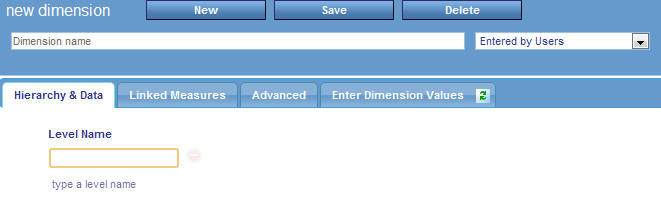
Type a name
for the new dimension and select Collected from Users from
the drop-down menu, as shown in the following image.
You
can create a structure in the Hierarchy & Data tab by entering
Level names in the fields provided.
x
Procedure: How to Edit Level Values on a User-Entered Dimension
-
In the Manage
tab in PMF, click the Dimensions panel button.
-
Select the
dimension you wish to edit.
The Edit Dimension panel opens.
-
Select Enter
Dimension Values.
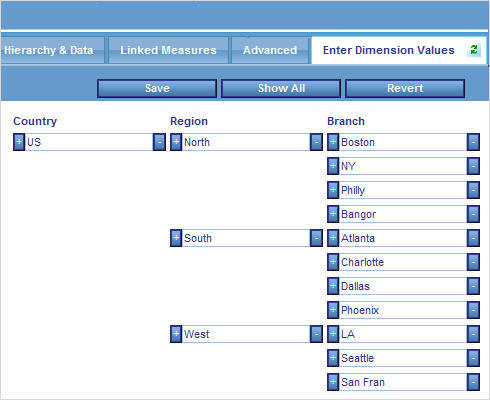
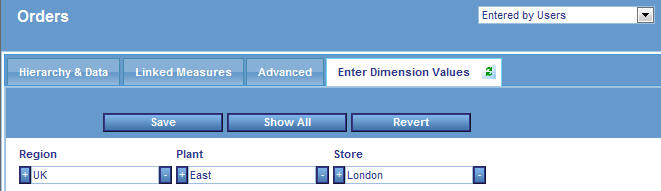
Note that each column in the editor corresponds to a level,
as defined in the dimension panel. You can type the level values
in each text box, as shown in the following image.
x
Reference: Work with Hierarchies
The
Enter Dimension Values tab from the Edit Dimension editor allows
you to add values to the dimension at any level.
 button
to the left of an existing level value. The editor will create a
new level value below the existing one. New peer levels were created
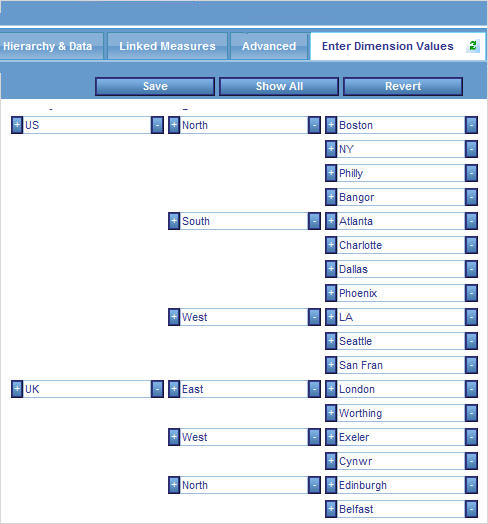
under London and East, as shown in the following image.
button
to the left of an existing level value. The editor will create a
new level value below the existing one. New peer levels were created
under London and East, as shown in the following image.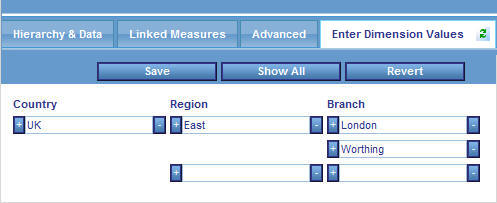
 button
to the right of an existing value. The entire hierarchy section
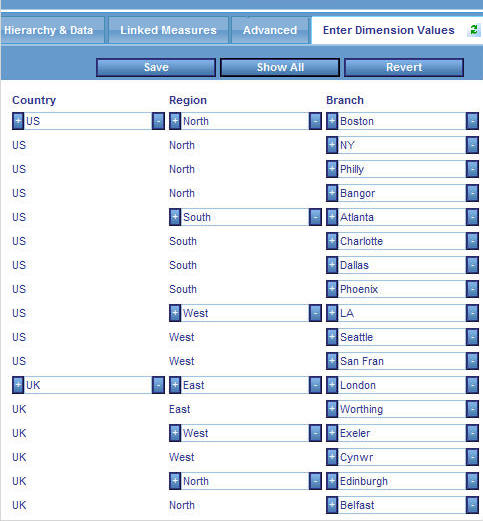
of that value will be removed. For example, the following image
shows a hierarchy in levels.
button
to the right of an existing value. The entire hierarchy section
of that value will be removed. For example, the following image
shows a hierarchy in levels.