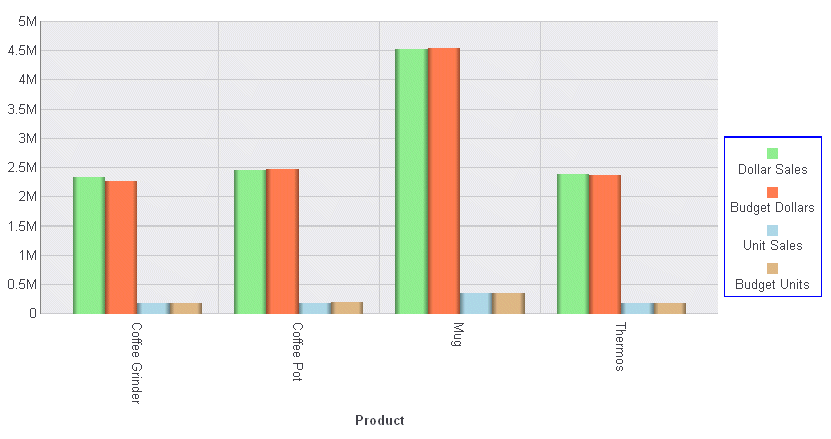
Syntax: How to Control the Position of the Legend Markers
legend: {markerPosition: 'position'}where:
- 'position'
Is a string that defines the location of legend markers relative to the legend label. Valid values are:
- 'bottom'
- 'left'. This is the default value.
- 'right'
- 'top'
Example: Controlling the Position of the Legend Markers
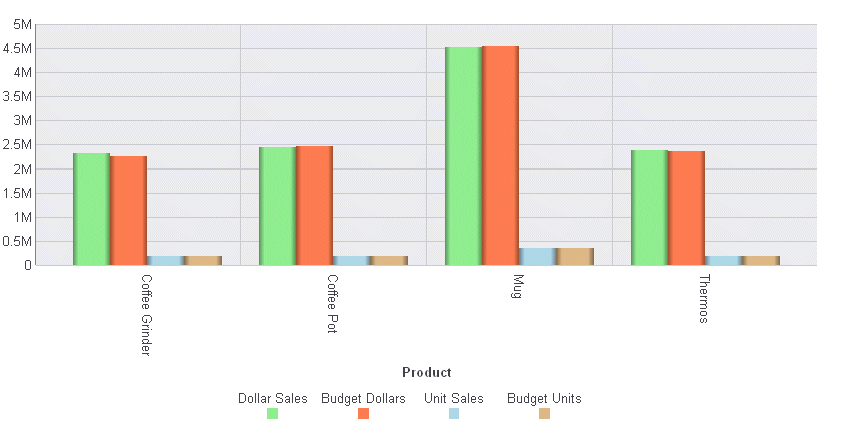
The following request against the GGSALES data source places the legend markers below the legend labels:
GRAPH FILE GGSALES
SUM DOLLARS BUDDOLLARS UNITS BUDUNITS
BY PRODUCT
WHERE CATEGORY EQ 'Gifts'
ON GRAPH PCHOLD FORMAT JSCHART
ON GRAPH SET LOOKGRAPH VBAR
ON GRAPH SET STYLE *
*GRAPH_JS
  legend: {markerPosition: 'bottom'},

series: [
    {series: 0, color: 'lightgreen'},
    {series: 1, color: 'coral'},
    {series: 2, color: 'lightblue'},
    {series: 3, color: 'burlywood'}
]
*END
INCLUDE=ENIADefault_combine.sty,$
ENDSTYLE
END
The output is:
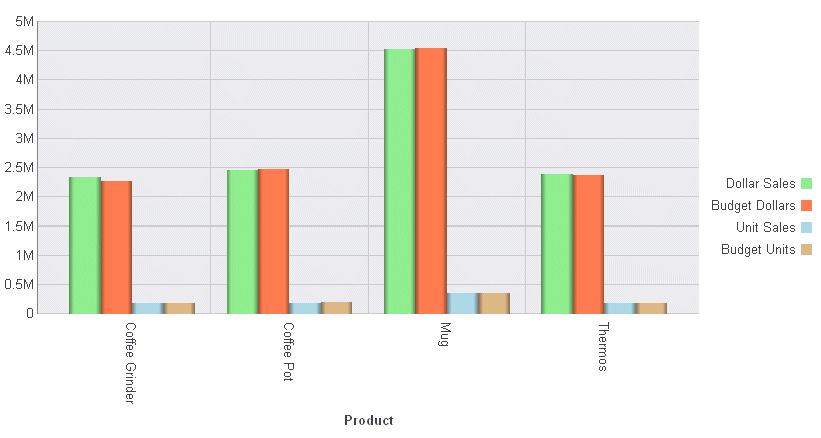
The following version of the request moves the legend to the right of the chart and places the legend markers to the right of the legend labels:
GRAPH FILE GGSALES
SUM DOLLARS BUDDOLLARS UNITS BUDUNITS
BY PRODUCT
WHERE CATEGORY EQ 'Gifts'
ON GRAPH PCHOLD FORMAT JSCHART
ON GRAPH SET LOOKGRAPH VBAR
ON GRAPH SET STYLE *
*GRAPH_JS
  legend: {position: 'right', markerPosition: 'right'},

series: [
    {series: 0, color: 'lightgreen'},
    {series: 1, color: 'coral'},
    {series: 2, color: 'lightblue'},
    {series: 3, color: 'burlywood'}
]
*END
INCLUDE=ENIADefault_combine.sty,$
ENDSTYLE
END
The output is:
The following legend properties change the marker position to 'top' with the legend position to the right. They also draw a border around the legend:
legend: {
    position: 'right',
     markerPosition: 'top',
     lineStyle: {color: 'blue'}
 }
These legend properties generate the following chart: